
Quick answer: A Pop717 deposit problem usually means the payment is still processing, the amount or details did not match, or the reference was not submitted. Do not pay again. Keep your UTR or hash, wait a short time, check History, then contact customer care with a screenshot.
Seven proven fixes for missing funds
- Wait a little. Banks and blockchains can be slow.
- Check History. The deposit may show as pending.
- Find your reference. UTR for UPI and bank, hash for crypto.
- Check the amount. Some cashiers need the exact figure.
- Check the details. Paying old or wrong details causes delays.
- Refresh the app. Pull down or log out and back in.
- Contact support. Share the reference and screenshot through the in-app service.
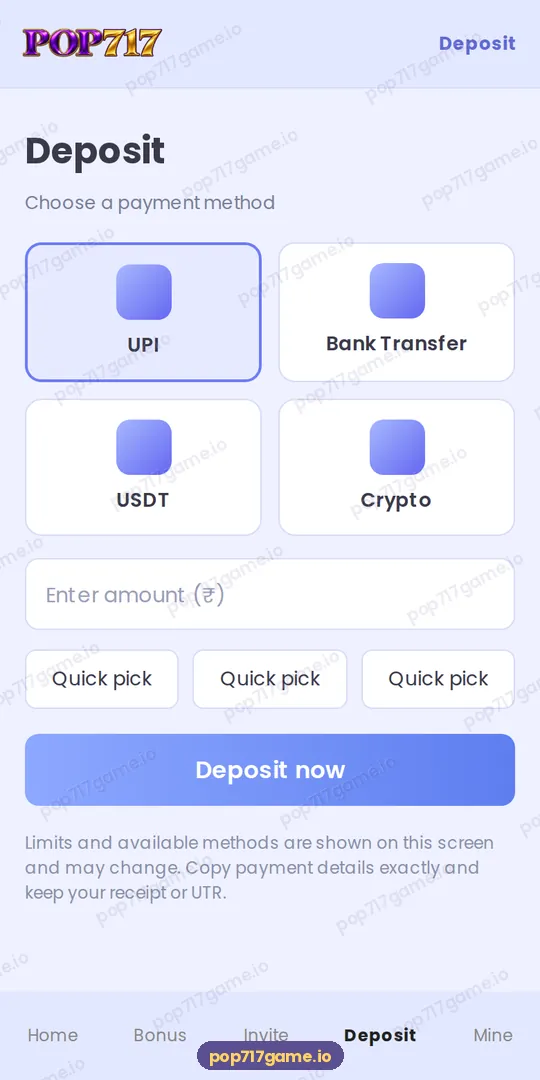
The image above is an illustration of the deposit methods screen, not a screenshot of the live cashier.
Deposit problem guide by method
| Method | Usual cause | What to send support |
|---|---|---|
| UPI | Bank delay or wrong ID | UTR and screenshot |
| Bank Transfer | NEFT batch or wrong amount | Reference and receipt |
| USDT | Wrong network or confirmations | Transaction hash |
| Crypto | Busy network | Transaction hash |
Pop717 deposit problem: what not to do
- Do not pay the same amount again.
- Do not share your login with anyone offering to “fix” the deposit.
- Do not pay a “processing fee” to a personal account.
Read account security and the full Pop717 deposit guide. For general help, see the Pop717 lottery guide.
Frequently asked questions about Pop717 deposit problem
Money left my bank but did not reach Pop717. What now?
Keep the UTR, wait a short while and contact customer care. Banks may reverse failed payments.
How long should I wait before contacting support?
Check History first; if nothing appears after a reasonable time, contact support.
Will a failed UPI payment be refunded?
Failed UPI payments are usually reversed by the bank.
Can support see my payment without a UTR?
A reference number makes tracing much faster.
Should I try a different method?
Only after the first payment is resolved, to avoid double charges.
Guides related to Pop717 deposit problem
- Withdrawal Problem: Pop717 withdrawal problem fixes: pending status, rejected requests, wrong bank details and turnover rules explained with calm next steps.
- App Not Working: Pop717 app not working? Fix blank screens, endless loading, crashes and game errors with simple checks for storage, network, cache and updates.
- Pop717 Customer Care: Pop717 customer care guide: reach 7×24 online customer service, prepare screenshots and IDs, describe issues clearly and never share OTPs or PINs.
- Pop717 FAQ: Pop717 FAQ with quick answers on login, register, invitation code, app, deposit, withdrawal, bonuses, games, support and safe play.
Key takeaways on Pop717 deposit problem
- Never pay twice.
- Keep references and screenshots.
- Use in-app support only.
Last updated: November 19, 2026