
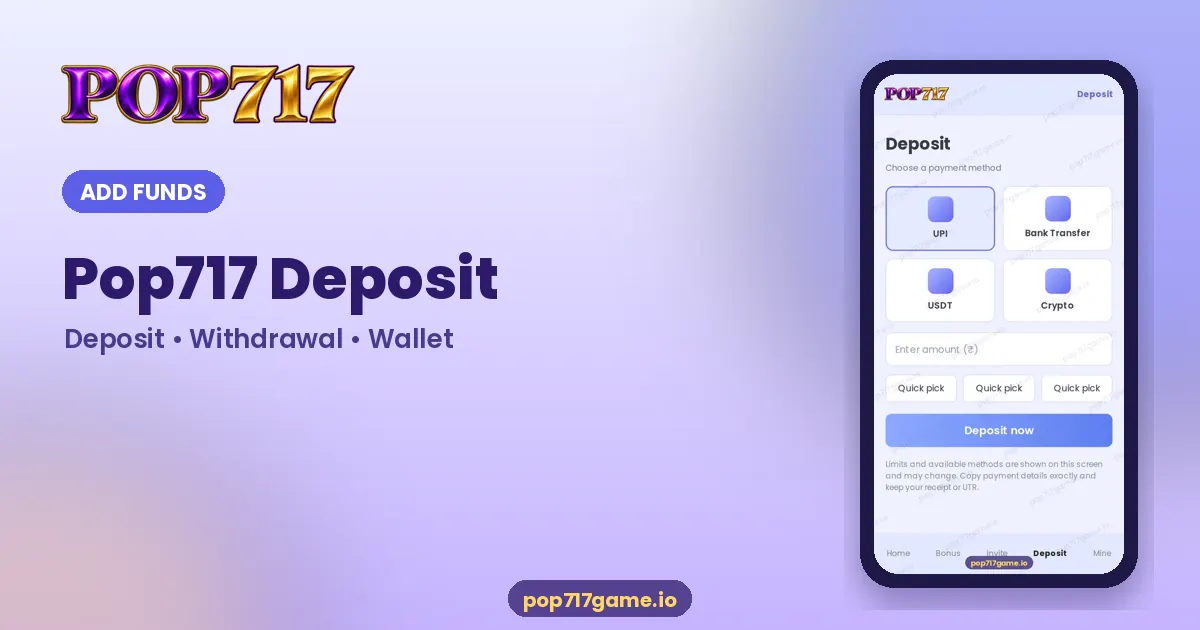
Quick answer: A Pop717 deposit adds money to your wallet through one of four methods listed in the cashier: Bank Transfer, UPI, USDT or crypto. Open the Deposit tab in the bottom bar, choose a method, enter an amount within the limits shown, pay using the exact details on screen and keep your reference number until the balance updates.
Which methods can I use for a Pop717 deposit?
The Deposit tab sits in the middle-right of the bottom navigation. Third-party guides that have walked through the cashier list four methods. The table below compares them; always confirm the options and limits shown to you, because they can change. For the full platform overview, see the Pop 717 game guide.
| Method | How you pay | Good for | Keep as proof |
|---|---|---|---|
| UPI | PhonePe, Paytm, Google Pay or any UPI app | Quick small deposits | UTR / reference number |
| Bank Transfer | IMPS or NEFT from your bank | Larger amounts | Transaction reference |
| USDT | Tether sent on the network shown | Players who already hold USDT | Transaction hash |
| Crypto | Other coins listed in the cashier | Crypto users | Transaction hash |
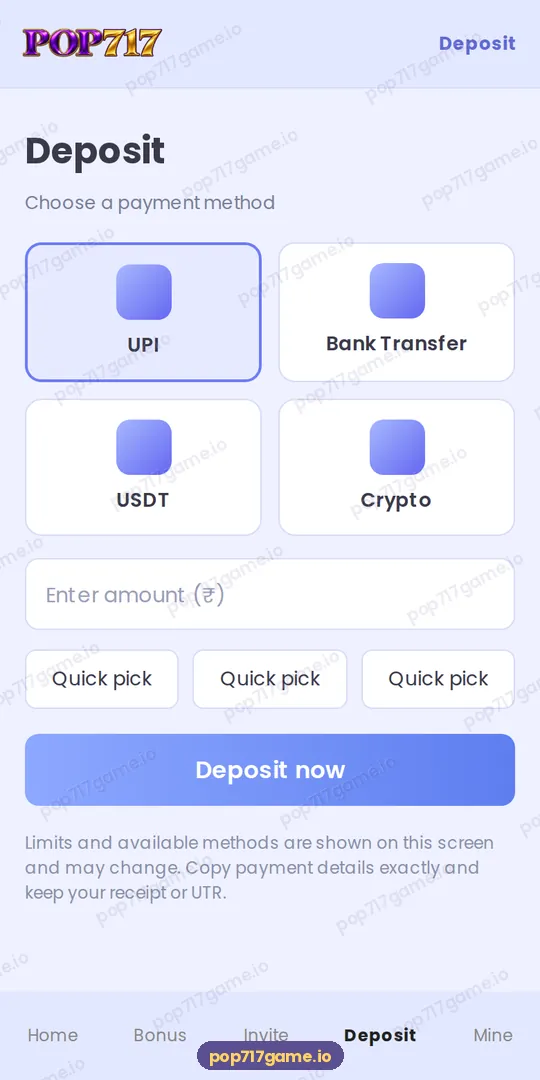
The image above is an illustration of the deposit methods, not a screenshot of the live cashier.
Four easy steps to add money safely
- Log in and tap Deposit in the bottom bar.
- Choose UPI, Bank Transfer, USDT or crypto.
- Enter an amount inside the minimum and maximum shown, then tap to continue.
- Pay using exactly the details displayed, then return and wait for the balance to update.
Method-by-method guides
- UPI deposit: scanning a QR or paying a UPI ID.
- Bank transfer deposit: IMPS and NEFT steps.
- USDT deposit: choosing the right network.
- Crypto deposit: other coins and address checks.
- Minimum deposit: how limits work.
What if my Pop717 deposit does not show?
Most deposits update quickly, but bank and blockchain delays happen. Do not pay again. Keep the UTR or hash, take a screenshot and contact support. The deposit problem page lists seven fixes.
Safe deposit habits
- Use only payment details shown inside your own logged-in cashier.
- Never pay someone who contacts you directly with “deposit” details.
- Set a monthly entertainment budget and stick to it.
Frequently asked questions about Pop717 deposit
What is the fastest Pop717 deposit method?
UPI is usually the quickest for small amounts, but times depend on banks and partners.
Can I deposit with Paytm or PhonePe?
Yes, any UPI app can pay when UPI is offered in the cashier.
Does Pop717 accept USDT?
Yes, USDT is listed. Always send on the network named on the screen.
Is there a minimum deposit?
Yes. The minimum appears on the Deposit screen for each method.
My money left my bank but the balance did not change. What now?
Wait a short while, keep your reference number and contact customer care. Do not pay twice.
Are deposits charged a fee?
Any fee is shown in the cashier. Your bank or wallet may also charge its own fees.
Guides related to Pop717 deposit
- Pop717 UPI Deposit: Pop717 UPI deposit guide: choose UPI, copy the UPI ID or scan the code, pay from your own app, save the UTR and check your balance.
- Pop717 Withdrawal: Pop717 withdrawal guide: open Withdraw, check your balance, add a payout account, enter the amount and track status in History.
- Pop717 Bank Transfer Deposit: Pop717 bank transfer deposit guide: copy the account number and IFSC exactly, pay via IMPS or NEFT, keep the reference and confirm your balance.
Key takeaways on Pop717 deposit
- Four methods: Bank Transfer, UPI, USDT and crypto.
- Use only details shown in your own cashier.
- Keep every reference number until the balance updates.
Last updated: November 19, 2026