
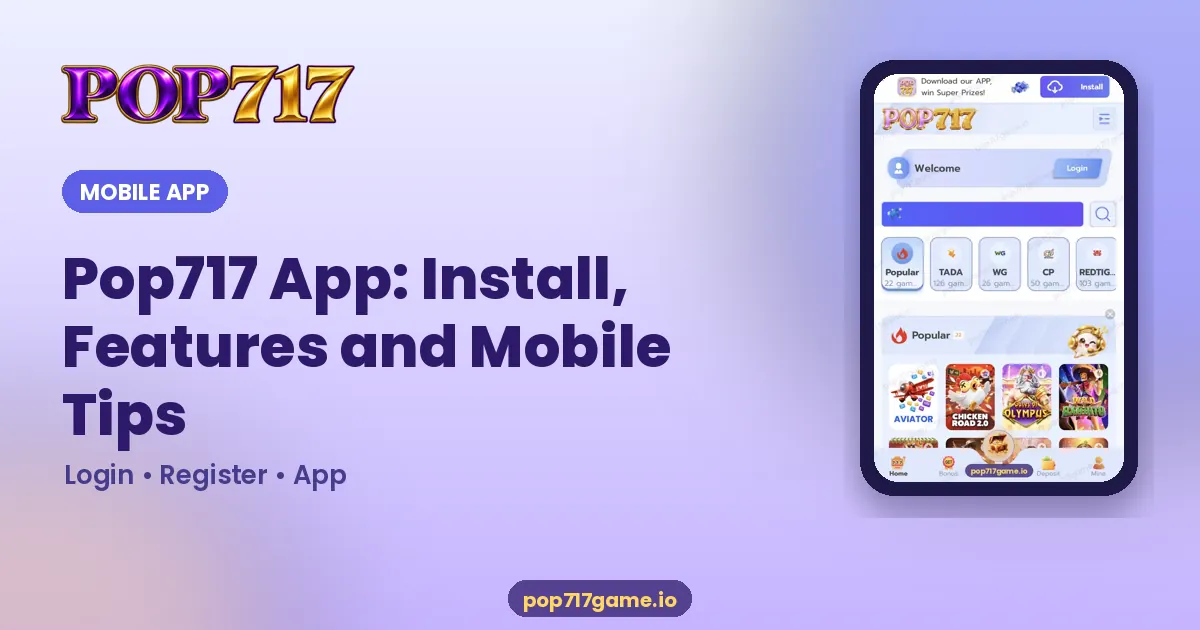
Quick answer: The Pop717 app lets you open the platform from your phone’s home screen instead of typing a link. On Android, the site shows an install banner and an online installation prompt; third-party reviewers describe a small package of roughly 8 MB that needs Android 8.0 or newer. On iPhone, you add the site to your home screen from Safari. Six easy steps cover install, login and safe daily use.
What does the Pop717 app offer?
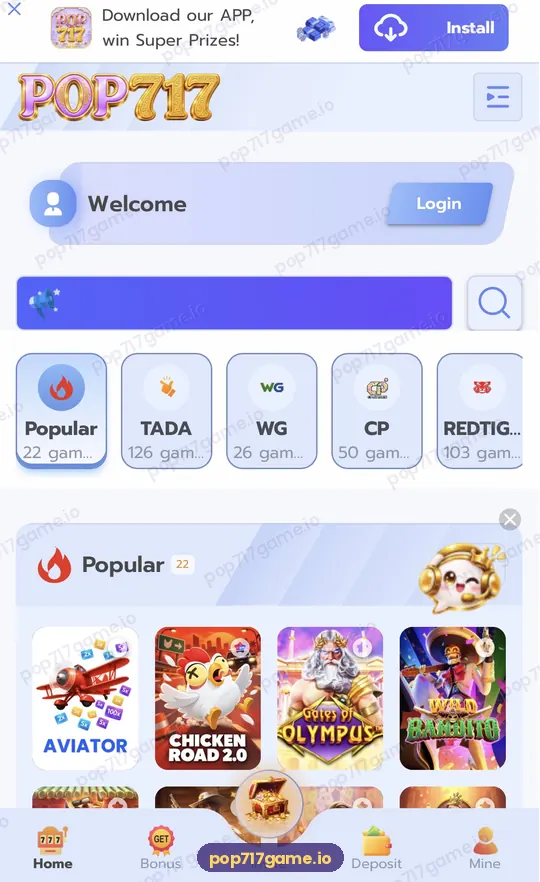
The Pop717 app gives you the same lobby, wallet and rewards as the website, wrapped in a full-screen view. The bottom bar shows Home, Bonus, Invite, Deposit and Mine, and the home screen carries the banner “Download our APP, win Super Prizes!”. Because your account is stored on the platform, you can switch between the app and the browser and see the same balance. Read our Pop717 app vs browser comparison if you are unsure which suits you, or return to the Pop717 lottery app guide for the full overview.
Six easy steps to install and use the Pop717 app
- Open the Pop717 link from this page in Chrome on Android or Safari on iPhone.
- Look for the install banner or the “Discover a new version” prompt and tap Online Installation.
- On Android, allow the install only for that file and from that page. Our APK download guide explains each permission.
- On iPhone, tap Share and then Add to Home Screen. See the iOS guide.
- Open the new icon and log in with your username or +91 number.
- Turn on a screen lock and never let others use your logged-in phone.
Pop717 app requirements at a glance
| Item | Android | iPhone |
|---|---|---|
| Install method | Online installation / APK prompt | Add to Home Screen in Safari |
| Reported size | About 8 MB | Uses Safari storage |
| Minimum system | Android 8.0 or newer (reported) | Recent iOS version recommended |
| Updates | New version prompt in app | Refreshes with the website |
| Account | Same login as website | Same login as website |
How do I keep the Pop717 app working smoothly?
- Update when the app shows a new version prompt. See app update steps.
- Clear cache if a screen stays blank. Our app not working fixes cover more causes.
- Keep at least a few hundred MB of free storage.
- Use a stable Wi-Fi or 4G connection during live games.
Is the Pop717 app safe?
Install only from the platform’s own prompt, reached through the link on this site. Do not install files shared in chat groups, because modified packages can steal logins. Never share OTPs or passwords, even with someone who says they are support. More habits are listed in our account security guide.
Frequently asked questions about the Pop717 app
Is the Pop717 app free?
Yes, installing the Pop717 app is free. Games use your wallet balance.
Is the Pop717 app on the Play Store?
Real-money gaming apps are often distributed outside app stores. Use the install prompt reached through the correct platform link.
Can I use one account on the app and the website?
Yes. Your login, balance and records are shared.
How big is the Pop717 app?
Third-party reviewers describe an Android package of about 8 MB.
Why does the app ask to install unknown apps?
Android asks this for any file installed outside the Play Store. Allow it only for the browser you used, then switch it off again.
What if the Pop717 app will not open?
Clear its cache, check your connection and reinstall from the platform prompt if needed.
Related Pop717 guides
- Pop717 APK Download: Pop717 APK download guide: where the install button sits, file size, Android 8.0+ notes, permission checks and how to avoid fake files.
- Pop717 Login: Pop717 login guide: sign in with username or +91 phone number, use Remember password, reset a forgotten password and keep your account safe.
- Pop717 Register: Pop717 register guide: choose a username, set a strong password, add an invitation code, confirm the age rule and finish sign-up correctly.
Key takeaways
- The Pop717 app mirrors the website with a full-screen view.
- Android uses an install prompt; iPhone uses Add to Home Screen.
- Install only from the platform prompt and keep the app updated.
Last updated: November 19, 2026