
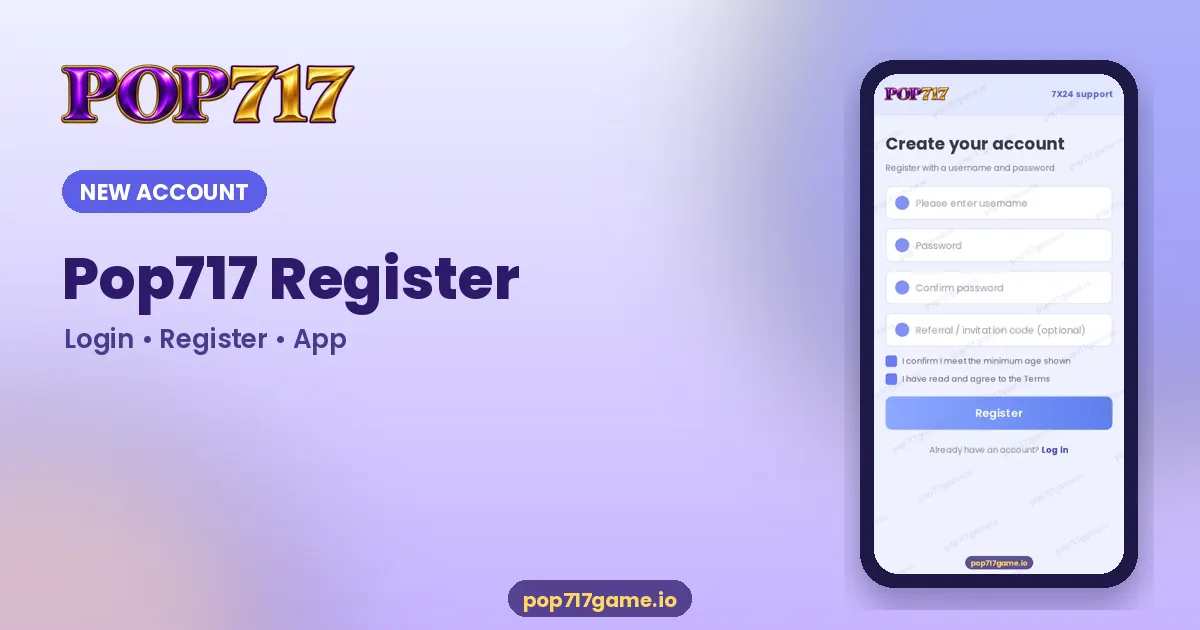
Quick answer: Pop717 register takes six simple steps: open the sign-up form, choose a username, set and confirm a password, add an optional referral or invitation code, tick the age and terms boxes, and tap Register. You can then log in, add funds and explore more than 2700 games.
What do I need for Pop717 register?
You need a username you have not used elsewhere, a strong password and, if a friend or agent gave you one, an invitation code. The sign-up form also asks you to confirm you meet the minimum age (21+) and accept the terms. If you want a broader introduction first, read the Pop717 platform guide.
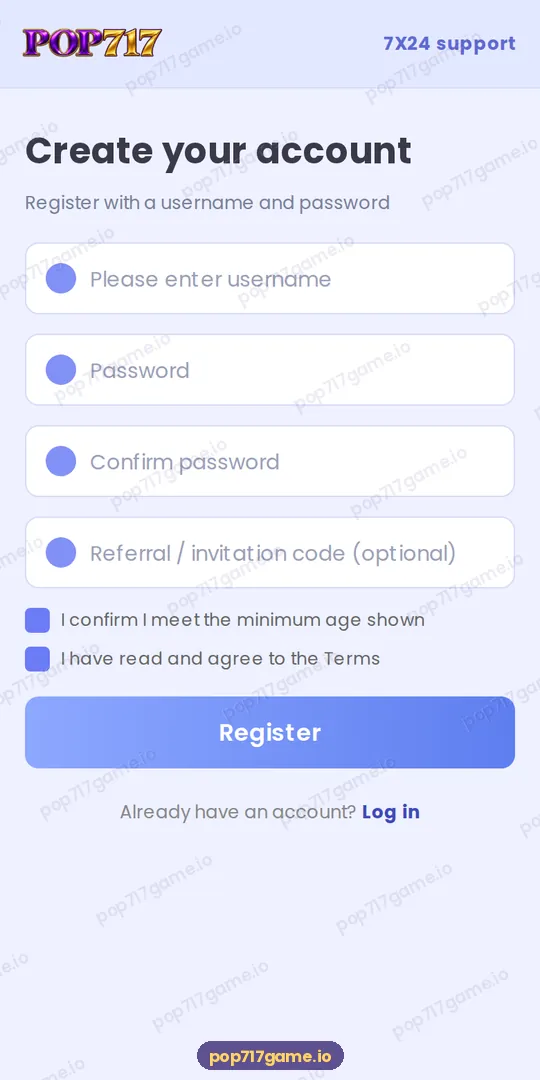
The image above is an illustration of the sign-up fields described by third-party guides, not a screenshot of the live form.
Six simple steps to open a new account
- Tap the Register button on this page.
- Enter a username. Use letters and numbers you will remember, without spaces.
- Enter a password, then type it again to confirm.
- Add a referral or invitation code if you have one. See Pop717 invitation code.
- Tick the boxes to confirm the age requirement and accept the terms.
- Tap Register, then log in using the Account tab.
Pop717 register fields explained
| Field | Required? | Tip |
|---|---|---|
| Username | Yes | Avoid your real full name |
| Password | Yes | Use 8+ characters with letters and numbers |
| Confirm password | Yes | Must match exactly |
| Referral / invitation code | Optional | Enter it during sign-up only |
| Age and terms checkboxes | Yes | Read the terms before ticking |
What should I do after I register?
- Log in and open the Mine section to check your profile. See Mine section.
- Add a payout account early so withdrawals are smooth. Read add bank account.
- Make a small first deposit to learn the cashier. Our deposit guide covers all four methods.
- Explore the Bonus tab and Redeem Code page for current activities.
Why does Pop717 register sometimes fail?
Common reasons include a username already taken, passwords that do not match, an invalid invitation code, or unticked checkboxes. Network drops can also interrupt the form. Our registration problem page lists seven fixes.
Frequently asked questions about Pop717 register
Is Pop717 register free?
Yes. Creating an account costs nothing.
Do I need an invitation code to register?
No. The referral or invitation code field is optional.
Can I register on Pop717 with a phone number?
The Phone login tab supports +91 numbers. Follow the sign-up form shown on the platform for the options available to you.
Can I create two Pop717 accounts?
Platforms usually allow one account per person. Multiple accounts can lead to restrictions.
What is the age limit for Pop717?
The form asks you to confirm the minimum age, which is 21+.
I registered but cannot log in. What now?
Check you are using the Account tab and the exact username. See login problem.
Related Pop717 guides
- Pop717 Phone Login: Pop717 phone login guide: open the Phone tab, enter your +91 mobile number and password, fix common errors and protect access on shared devices.
- Pop717 Login: Pop717 login guide: sign in with username or +91 phone number, use Remember password, reset a forgotten password and keep your account safe.
- Pop717 Account Login: Pop717 account login guide: use the Account tab with your username and password, avoid typing mistakes and recover access if you get locked out.
Key takeaways
- Pop717 register needs a username, password and age confirmation.
- The invitation code is optional but must be entered during sign-up.
- Link a payout account and read the terms soon after registering.
Last updated: November 19, 2026