
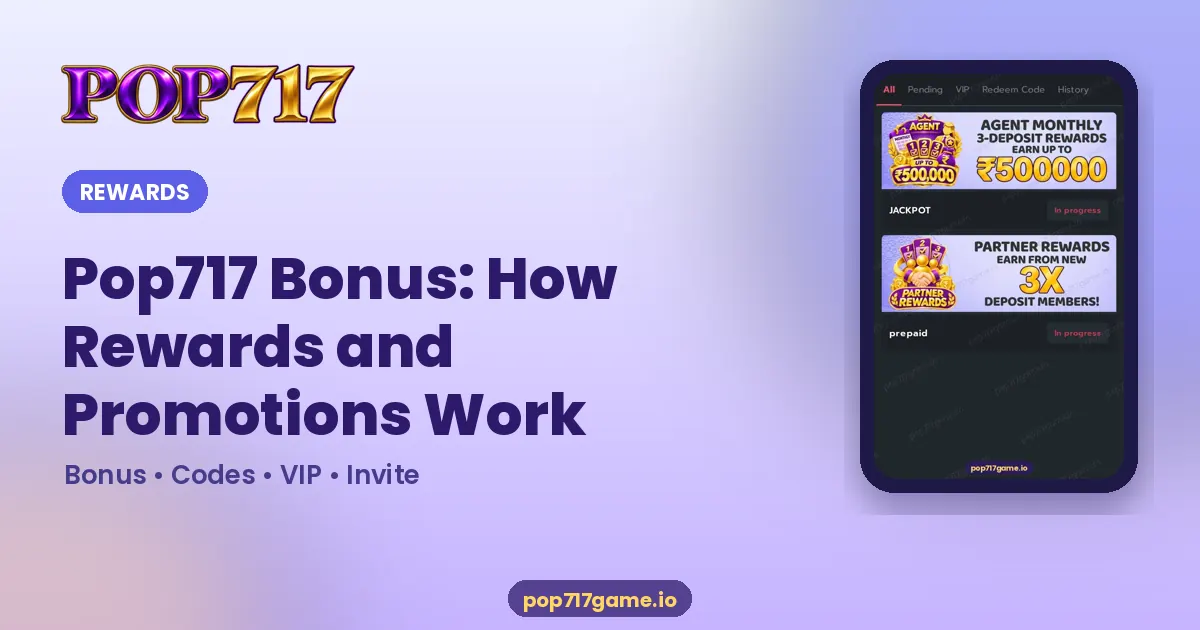
Quick answer: The Pop717 bonus area is the Bonus tab in the bottom bar. It groups promotions into All, Pending, VIP, Redeem Code and History. Each activity card shows its name, a short description, a status such as “In progress”, and its own rules. Read the rules before you take part, because rewards usually come with conditions.
Five honest facts about rewards and promotions
- Everything is listed in one tab. Open Bonus to see current activities.
- Each card has a status. “In progress” means the activity is running.
- Rules differ by activity. Deposit counts, turnover and dates vary.
- Codes have their own section. Use Redeem Code for code-based rewards.
- History records what you received. Check it to confirm credits.
What activities appear in the Pop717 bonus tab?
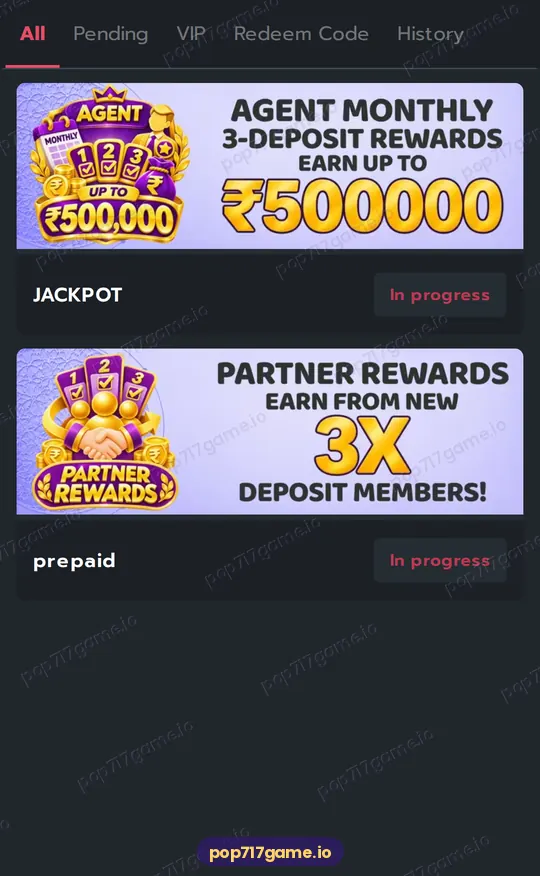
At the time we checked, the Bonus tab showed an Agent Monthly 3-Deposit Rewards activity marked JACKPOT, listing rewards of up to ₹500000, and a Partner Rewards activity describing the chance for agents to earn from new deposit members, marked prepaid. Activities change often, so use this as an example rather than a promise. See Pop717 events and Pop717 agent.
| Bonus section | What it holds |
|---|---|
| All | Every running activity |
| Pending | Rewards waiting for conditions |
| VIP | Level-based rewards |
| Redeem Code | Enter released codes |
| History | Rewards already credited |
How do I claim a Pop717 bonus?
- Tap Bonus and open an activity.
- Read the conditions, dates and turnover.
- Complete the required actions.
- Check Pending, then History, for the reward.
Bonus safety
Treat a bonus as a small extra, not a reason to deposit more than planned. Ignore anyone claiming to sell “bonus hacks”. Read earn money for a realistic view, or return to our Pop717 game homepage.
Frequently asked questions about Pop717 bonus
Where is the Pop717 bonus tab?
It is the second icon in the bottom bar, next to Home.
Is there a Pop717 welcome bonus?
Check the All section of the Bonus tab for current offers. Offers change over time.
Why is my bonus pending?
It may be waiting for conditions such as turnover. Check the activity rules.
Can I withdraw a bonus straight away?
Usually not. Bonus funds often need turnover first.
Where do I enter a bonus code?
Use the Redeem Code section. See redeem code.
Related Pop717 guides
- Pop717 Redeem Code: Pop717 redeem code guide: open Bonus, choose Redeem Code, paste the code and tap Redeem Bonus.
- Invitation Code: Pop717 invitation code guide: what the referral field does, where to paste a code during sign-up, how invite links work and mistakes to avoid.
- Pop717 Gift Code: Pop717 gift code guide: find the Gift Code button in the side menu, use codes before they expire and avoid paid code sellers and phishing chats.
Key takeaways
- All rewards live in the Bonus tab.
- Read each activity’s rules.
- Check Pending and History to confirm rewards.
Last updated: November 19, 2026