
Quick answer: The Pop717 wallet is the balance area that tracks your deposits, game results, rewards and withdrawals. You add funds from the Deposit tab, see your balance on the Home screen and in Mine, and check every movement in History. Six simple habits keep it easy to follow.
What does the Pop717 wallet show?
The wallet shows your current balance and the records behind it: deposits, withdrawals, bonuses and game transactions. The Home screen also offers Deposit and Withdraw shortcut tiles. See the Pop717 deposit guide and withdrawal guide for each flow.
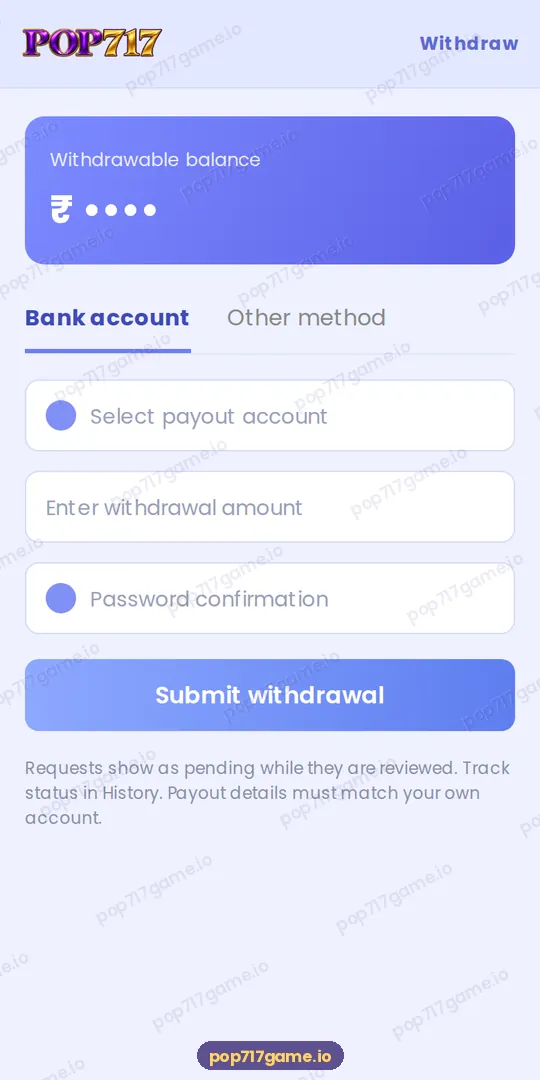
The image above is an illustration of a withdraw balance card, not a screenshot of a real account.
Six simple ways to track your balance well
- Check History after every deposit and withdrawal.
- Note your balance at the start of each session.
- Separate bonus funds from withdrawable funds in your mind.
- Withdraw winnings regularly.
- Screenshot important transactions.
- Review your monthly total spend against your budget.
Wallet areas at a glance
| Area | Purpose |
|---|---|
| Balance | Funds available to play |
| Deposit | Add money via UPI, bank, USDT or crypto |
| Withdraw | Request a payout to your linked account |
| History | Records of all transactions |
| Bonus records | Rewards credited and pending |
Can I transfer balance to another player?
Look only for features shown in your own app. Do not send money to other players outside the platform, and ignore offers to “buy” or “sell” balance. Read account security or return to the Pop 717 game guide.
Frequently asked questions about Pop717 wallet
Where can I see my Pop717 wallet balance?
On the Home screen after login and in the Mine section.
How do I see deposit history?
Open History or records in the Mine section.
Why is my balance different from withdrawable balance?
Bonus funds may still need turnover.
Does the wallet work in rupees?
Balances are shown in rupees (₹); crypto deposits are converted.
Is my wallet shared between app and browser?
Yes, it belongs to your account.
Related Pop717 guides
- Add Bank Account: Pop717 add bank account guide: enter the account holder name, account number and IFSC carefully, add UPI or USDT details and avoid rejected payouts.
- Minimum Withdrawal: Pop717 minimum withdrawal guide: where the limit appears, how turnover or bonus rules can affect eligibility and how to plan a smooth cash-out.
- Pop717 Deposit: Pop717 deposit guide: use Bank Transfer, UPI, USDT or Crypto, copy payment details exactly, keep receipts and avoid duplicate payments.
Key takeaways on Pop717 wallet
- History is your best friend.
- Know the difference between total and withdrawable balance.
- Withdraw winnings regularly.
Last updated: November 19, 2026