
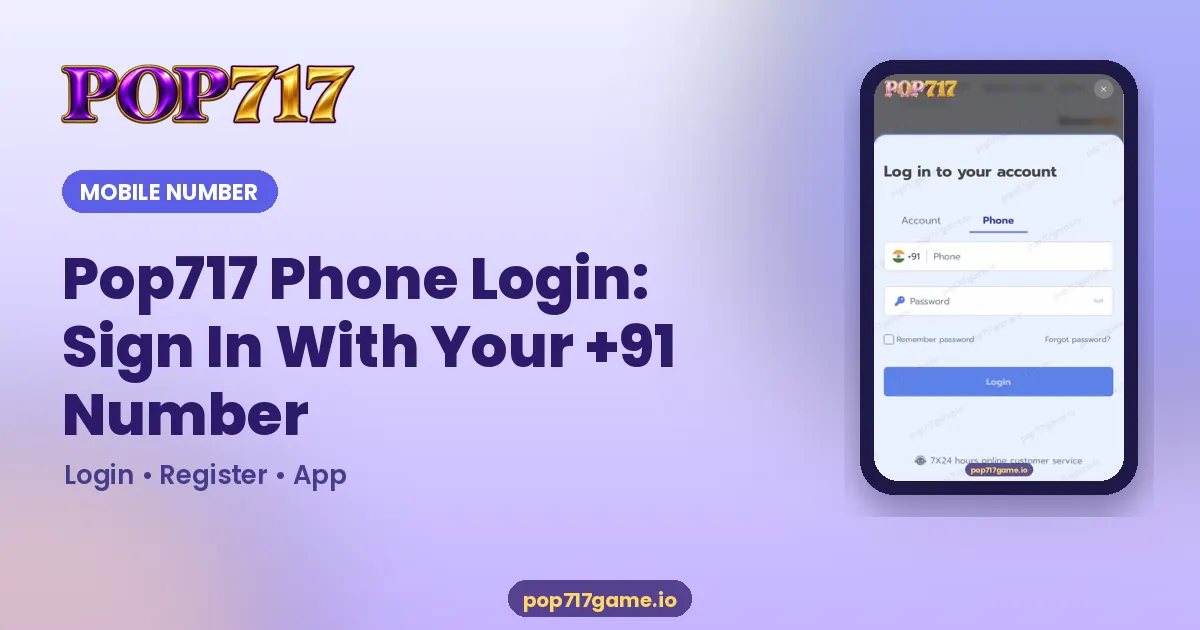
Quick answer: Pop717 phone login lets you sign in with your Indian mobile number instead of a username. Open the login window, tap the Phone tab, check that +91 is shown, type your 10-digit number without the leading zero, enter your password and tap Login.
When should I use Pop717 phone login?
Use the Phone tab if your account is tied to a mobile number. If you created a username, the Account tab is the right choice instead; read account login. Both tabs live in the same “Log in to your account” window described in our main Pop717 login guide.
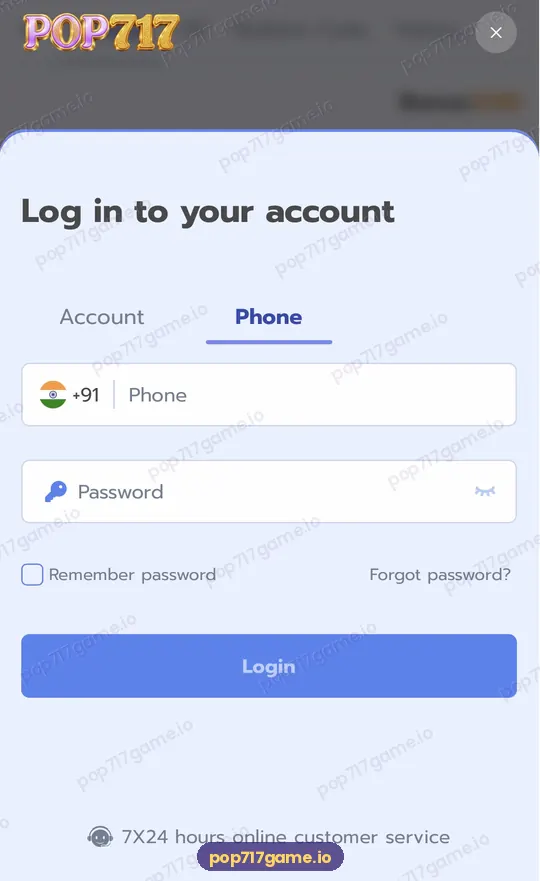
Four quick steps with your +91 number
- Tap Login on this page and open the login window.
- Select the Phone tab. The +91 country code appears on the left.
- Type your 10-digit number with no spaces, dashes or leading 0.
- Enter your password and tap Login.
Common phone login mistakes
| Mistake | Fix |
|---|---|
| Adding 0 or +91 again | Type only the 10 digits |
| Using a username on the Phone tab | Switch to the Account tab |
| Old password after a reset | Clear saved passwords and type the new one |
| Number changed recently | Contact support to update your profile |
What if I changed my phone number?
Your account stays linked to the number you registered with. If you no longer use it, log in with your username if you have one, then contact customer care to ask how to update it. Never share your old or new SIM’s one-time codes with anyone.
Is phone login safe?
Yes, as long as your password is strong and private. Lock your phone, avoid public Wi-Fi for payments and log out on shared devices. See account security or return to the Pop717 game homepage for more safety tips.
Frequently asked questions about Pop717 phone login
Do I type +91 in the number field?
No. The +91 code is already shown. Type only your 10-digit number.
Does phone login use an OTP?
The login window asks for a password. Never share any code sent to your phone.
Can I switch from phone login to username login?
Use the tab that matches how you registered. Ask support if you need changes.
Why does it say the account does not exist?
Check the number, or try the Account tab if you registered with a username.
Can I use a non-Indian number?
The Phone tab shows +91, so it is designed for Indian numbers.
Guides related to Pop717 phone login
- Pop717 Account Login: Pop717 account login guide: use the Account tab with your username and password, avoid typing mistakes and recover access if you get locked out.
- Pop717 Register: Pop717 register guide: choose a username, set a strong password, add an invitation code, confirm the age rule and finish sign-up correctly.
- Change Password: Pop717 change password guide: update your login from the Mine section, build a strong password, sign out old devices and avoid common security mistakes.
- Pop717 Login: Pop717 login guide: sign in with username or +91 phone number, use Remember password, reset a forgotten password and keep your account safe.
Key takeaways on Pop717 phone login
- Choose the Phone tab and type 10 digits only.
- Use the password you set, not an OTP.
- Switch tabs if you registered with a username.
Last updated: November 19, 2026