
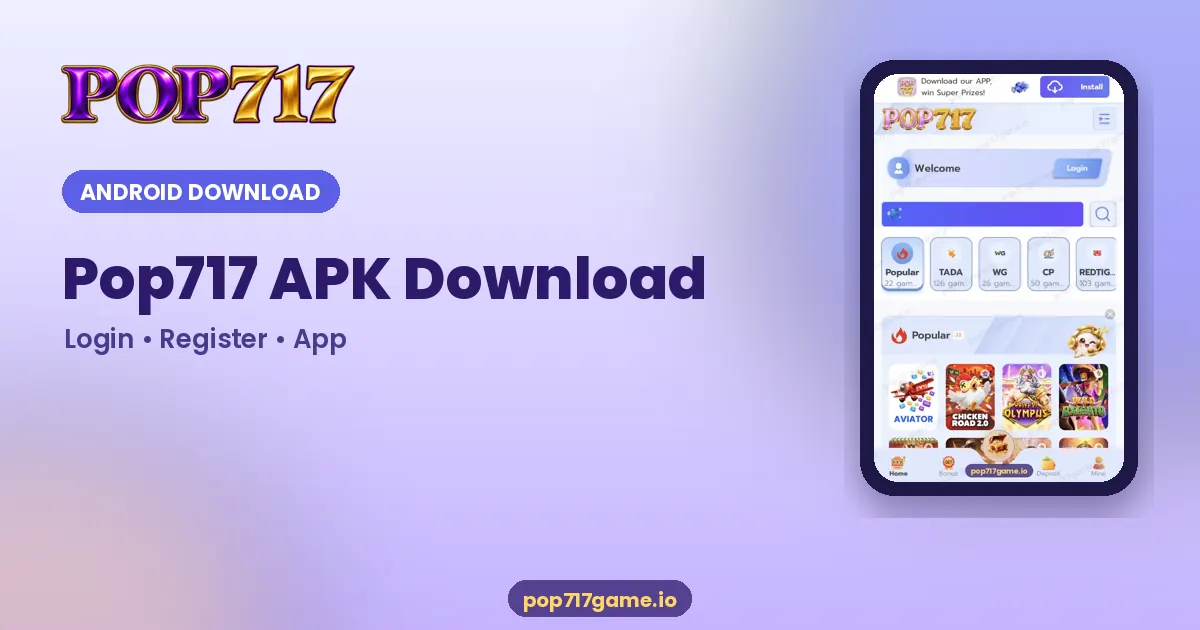
Quick answer: A Pop717 APK download is the Android installation file for the Pop717 app. Open the platform in Chrome using the link on this page, tap the install banner or Online Installation prompt, allow the one-time “install unknown apps” permission for your browser, and open the app. Reported requirements are about 8 MB of space and Android 8.0 or newer.
Why choose the Pop717 APK download?
The APK gives you a home-screen icon, a full-screen view and faster access than typing an address each time. Your account, balance and records stay the same whether you use the app or the browser. For a broader overview, see the Pop717 app guide or go back to the Pop 717 homepage guide.
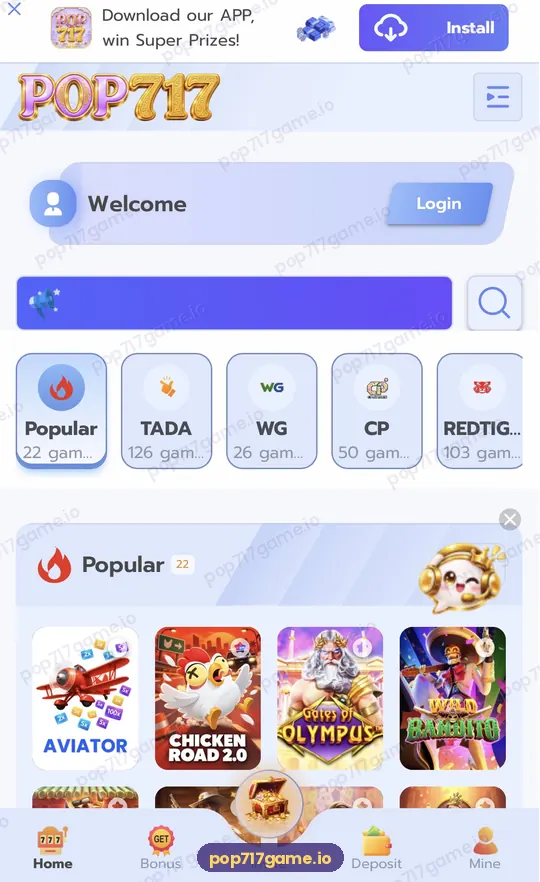
Seven safe steps for Android phones
- Check your phone runs Android 8.0 or newer and has free storage.
- Open the Pop717 link from this site in Chrome.
- Tap the “Download our APP” banner or the “Discover a new version” prompt.
- Tap Online Installation and wait for the file to finish.
- When Android warns about unknown apps, allow it only for Chrome.
- Install, open the app and log in with your username or +91 number.
- Go back to Settings and switch the unknown-apps permission off again.
Pop717 APK download checklist
| Check | Why it matters |
|---|---|
| Download from the platform prompt | Avoids modified files |
| File size close to 8 MB | A very different size can be a warning sign |
| No extra permissions like SMS reading | A game app does not need your messages |
| Play Protect scan | Android can scan the file before install |
| Unknown-apps permission switched off after | Keeps your phone protected |
What if the Pop717 APK download fails?
- “App not installed”: Remove any older copy first, then retry.
- Download stops: Switch between Wi-Fi and mobile data, then try again.
- Parse error: Your Android version may be too old, or the file is incomplete. Download it again from the prompt.
- Blocked by Play Protect: Read the warning carefully. If you are unsure, use the browser version instead.
For more fixes, read app not working and app update.
Is it safe to download a Pop717 APK from Telegram or WhatsApp?
No. Files forwarded in chats can be altered to capture logins or payment details. Always reach the install prompt through the correct platform link. The Telegram safety page explains how to follow updates without risky downloads.
Frequently asked questions about Pop717 APK download
Where can I get the Pop717 APK download?
Open the platform using the button on this page and use its install banner or Online Installation prompt.
How big is the Pop717 APK?
Third-party guides describe it as roughly 8 MB.
Which Android version do I need?
Reported requirements are Android 8.0 or newer.
Will I lose my balance if I reinstall?
No. Your balance is stored on your account, not on the phone.
Can I install the Pop717 APK on iPhone?
No. APK files are for Android. iPhone users can add the site to the home screen.
Why does Android show a warning?
Android warns about every file installed outside the Play Store. Allow it only for the browser you used.
Related Pop717 guides
- Pop717 Login: Pop717 login guide: sign in with username or +91 phone number, use Remember password, reset a forgotten password and keep your account safe.
- Pop717 App: Pop717 app guide for Android and iPhone: install banner, home-screen shortcut, bottom tabs, updates and safety checks.
- Pop717 Register: Pop717 register guide: choose a username, set a strong password, add an invitation code, confirm the age rule and finish sign-up correctly.
Key takeaways on Pop717 APK download
- Use only the platform’s own install prompt.
- Allow unknown apps for Chrome, then switch it off.
- The app is small and needs Android 8.0 or newer.
Last updated: November 19, 2026