
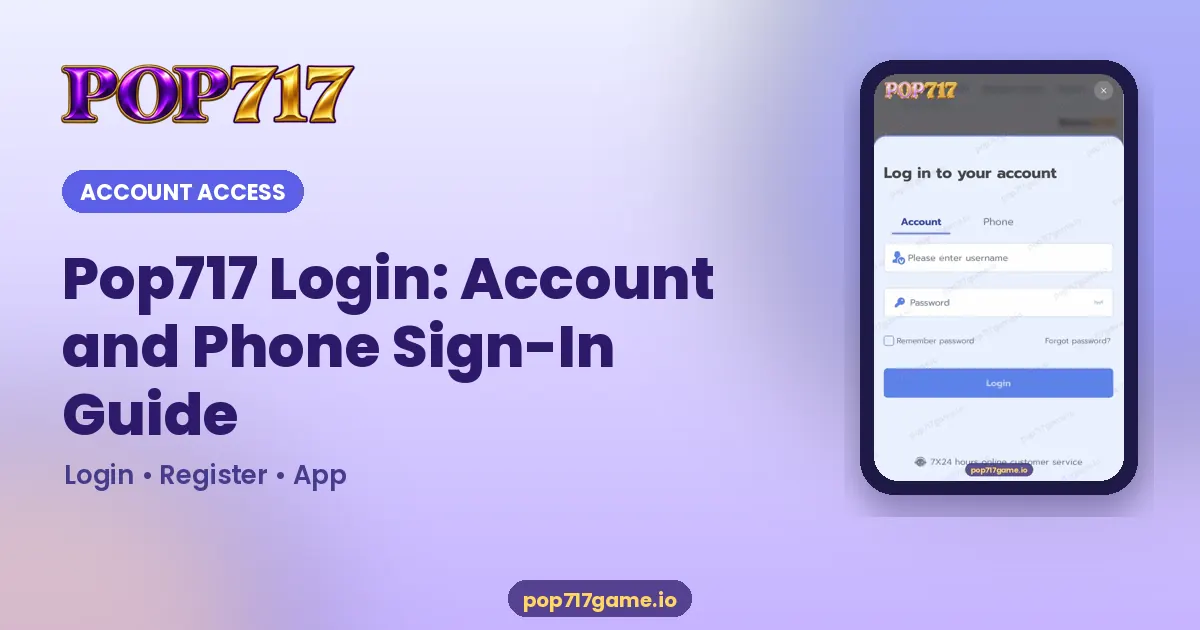
Quick answer: Pop717 login takes about a minute. Open the platform, tap Login, choose the Account tab for a username or the Phone tab for a +91 number, enter your password and tap Login. The window also offers “Remember password”, a “Forgot password?” link and a reminder that support is available 7X24 hours online.
What does the Pop717 login screen look like?
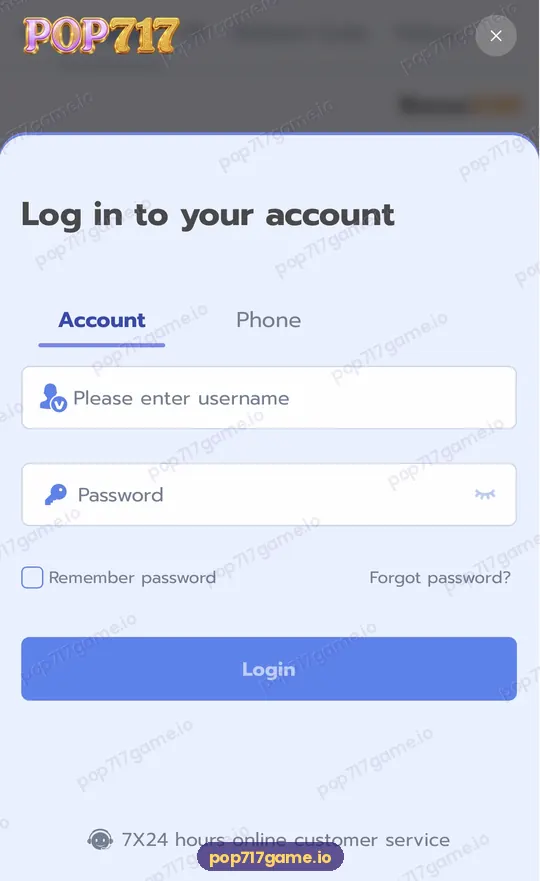
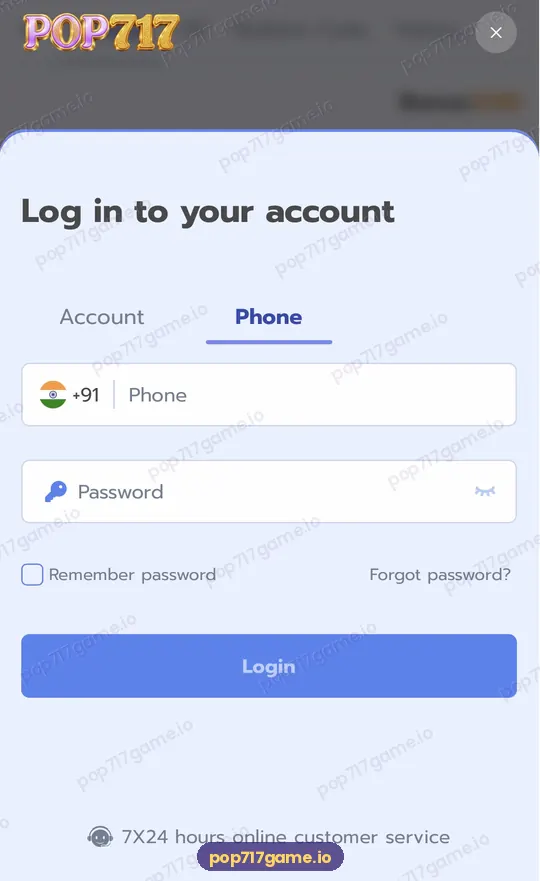
The window is titled “Log in to your account”. Two tabs sit at the top: Account and Phone. The Account tab shows a “Please enter username” field and a password field. The Phone tab shows a +91 country code with a number field and a password field. Below the fields are the Remember password checkbox, the Forgot password? link, a blue Login button and the 7X24 hours online customer service note.
Five easy steps for Pop717 login
- Tap the Login button on this page to open the platform.
- Choose Account if you registered with a username, or Phone if you registered with a mobile number.
- Type your username or 10-digit number carefully. On the Phone tab, the +91 code is already shown.
- Enter your password and tick Remember password only on your own device.
- Tap Login. You will land on the Home lobby with your balance shown.
Account tab vs Phone tab
| Option | What you enter | Best for |
|---|---|---|
| Account tab | Username and password | Players who registered with a username |
| Phone tab | +91 number and password | Players who registered with a phone number |
| Remember password | Saves details on this device | Your personal phone only |
| Forgot password? | Starts a reset | When you cannot recall your password |
Step-by-step pages: Pop717 account login and Pop717 phone login.
Why is my Pop717 login not working?
- Wrong tab selected: a username will not work on the Phone tab.
- Extra spaces or auto-capitalised first letters in the username.
- Caps Lock or keyboard language changed.
- Old saved password after a reset.
- Weak network or an outdated app.
Full fixes are on the login problem page. If you cannot recall your password, follow forgot password.
How do I keep my Pop717 login secure?
Use a password you do not use anywhere else, never share it, and log out on shared devices. Support will not ask for your password. Change it from time to time using the change password guide. More advice is on our Pop717 game homepage.
Frequently asked questions about Pop717 login
Can I log in to Pop717 with my phone number?
Yes. Use the Phone tab, which shows the +91 code, then enter your number and password.
What if I forgot my Pop717 password?
Tap “Forgot password?” on the login window and follow the reset steps, or contact customer service.
Is it safe to tick Remember password?
Only on your own phone with a screen lock. Do not use it on shared devices.
Can I use the same login on the app and website?
Yes. One account works everywhere.
Does Pop717 login need an OTP?
The login window uses a password. Never share any code you receive with anyone.
Who can help if I am locked out?
Use the 7X24 online customer service shown on the login screen.
Related Pop717 guides
- Pop717 Register: Pop717 register guide: choose a username, set a strong password, add an invitation code, confirm the age rule and finish sign-up correctly.
- Pop717 APK Download: Pop717 APK download guide: where the install button sits, file size, Android 8.0+ notes, permission checks and how to avoid fake files.
- Pop717 Phone Login: Pop717 phone login guide: open the Phone tab, enter your +91 mobile number and password, fix common errors and protect access on shared devices.
Key takeaways
- Pop717 login has Account and Phone tabs.
- Choose the tab that matches how you registered.
- Use Forgot password? for resets and keep your password private.
Last updated: November 19, 2026