
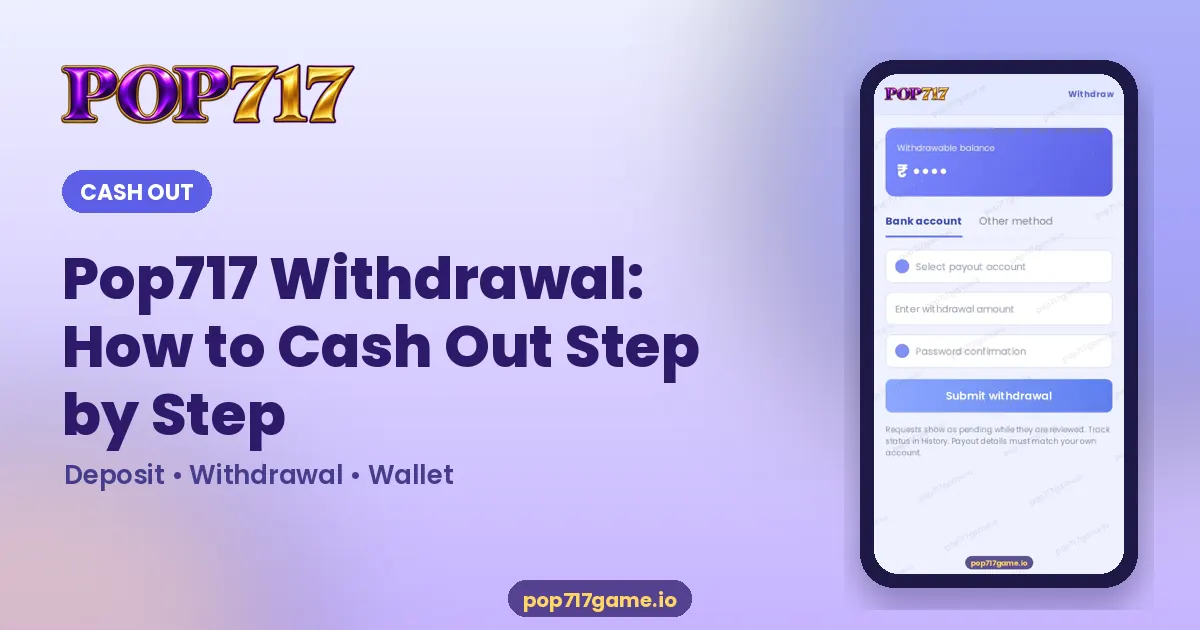
Quick answer: A Pop717 withdrawal moves money from your withdrawable balance to a payout account you have linked. Open the withdraw screen, pick your saved account, enter an amount within the limits shown, confirm, and track the request in your records until it changes from pending to completed.
How does a Pop717 withdrawal work?
The withdraw screen shows your withdrawable balance, a choice of payout account, an amount field and a confirm button. After you submit, the request is reviewed and then paid. Processing time depends on the method, the amount and whether any checks are needed. If you are new to the platform, read our main Pop717 guide first.
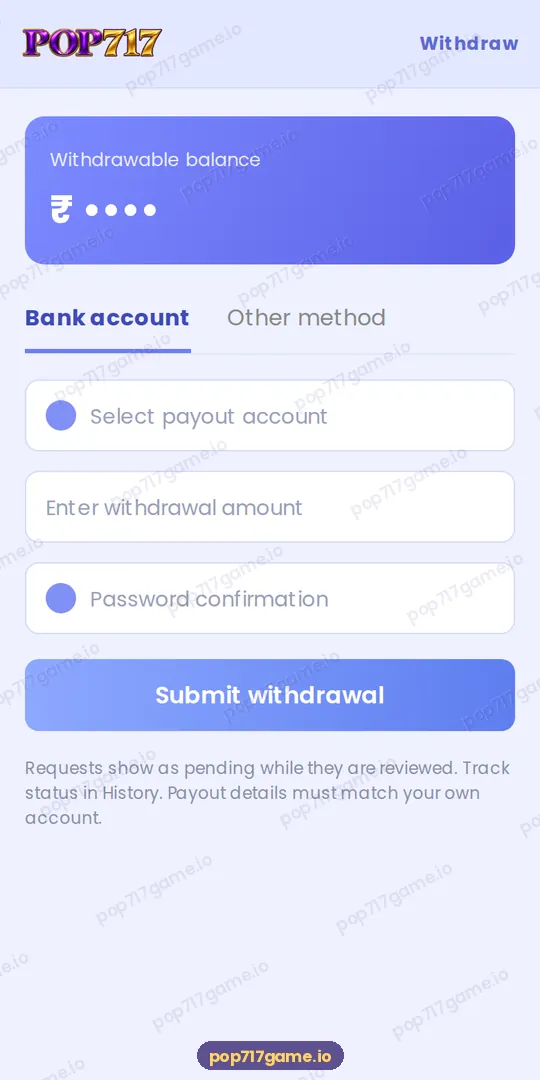
The image above is an illustration of a typical withdraw screen, not a screenshot of a real account.
Six clear steps for smooth cash-outs
- Log in and open the Mine section or the withdraw option in the wallet.
- Link a payout account if you have not done so. See add bank account.
- Check your withdrawable balance; bonus funds may need turnover first.
- Enter an amount that meets the minimum shown on screen.
- Confirm with your password if asked, then submit.
- Watch the status in History until it shows completed.
Pop717 withdrawal status meanings
| Status | What it means | What to do |
|---|---|---|
| Pending | Request received and in review | Wait and avoid repeat requests |
| Processing | Payment is being sent | Check your bank or wallet later |
| Completed | Payment sent | Confirm it in your bank app |
| Rejected or returned | Request could not be paid | Read the reason and fix details |
Why is my Pop717 withdrawal slow or rejected?
- The name on the payout account does not match your profile.
- The account number, IFSC or wallet address has a typo.
- Turnover rules on bonus balance are not yet complete.
- The amount is below the minimum or above the daily limit.
- Bank holidays or network delays at the payment partner.
See withdrawal problem, withdrawal time and minimum withdrawal for detail.
Safe withdrawal habits
Withdraw winnings regularly instead of letting a large balance build up. Never share your login with anyone who promises to “speed up” a payout. Keep screenshots of each request so customer care can trace it quickly.
Frequently asked questions about Pop717 withdrawal
How do I make a Pop717 withdrawal?
Link a payout account, open the withdraw screen, enter an amount within limits and submit. Then track it in History.
How long does a Pop717 withdrawal take?
It depends on the method and checks. The status in your records shows progress.
What is the minimum Pop717 withdrawal?
The minimum is shown on the withdraw screen and may change. Check it before you request.
Why is my withdrawal pending?
Pending means the request is under review. Avoid sending duplicate requests.
Can I withdraw to someone else’s account?
No. Use an account in your own name to avoid rejection.
Can I withdraw bonus money?
Bonus balance usually needs turnover before it becomes withdrawable.
Related Pop717 guides
- Pop717 Deposit: Pop717 deposit guide: use Bank Transfer, UPI, USDT or Crypto, copy payment details exactly, keep receipts and avoid duplicate payments.
- Pop717 UPI Deposit: Pop717 UPI deposit guide: choose UPI, copy the UPI ID or scan the code, pay from your own app, save the UTR and check your balance.
- Pop717 Bank Transfer Deposit: Pop717 bank transfer deposit guide: copy the account number and IFSC exactly, pay via IMPS or NEFT, keep the reference and confirm your balance.
Key takeaways
- Link a payout account in your own name first.
- Check minimums, turnover and limits on screen.
- Track every Pop717 withdrawal in History and keep screenshots.
Last updated: November 19, 2026