
Quick answer: To close or pause your Pop717 account, withdraw your remaining balance first, then contact the 7X24 online customer service inside the app and ask for account closure or a self-exclusion break. Keep a screenshot of their confirmation.
Pop717 delete account or pause: which is right?
Closing an account is permanent on many platforms, while a pause or self-exclusion lets you take a break for a fixed time. If you feel gaming is taking too much time or money, a break is a healthy step. Read our responsible gaming page for more options.
Five careful steps before you close it
- Finish or leave any active games.
- Withdraw your full withdrawable balance. See Pop717 withdrawal.
- Wait until the withdrawal shows completed.
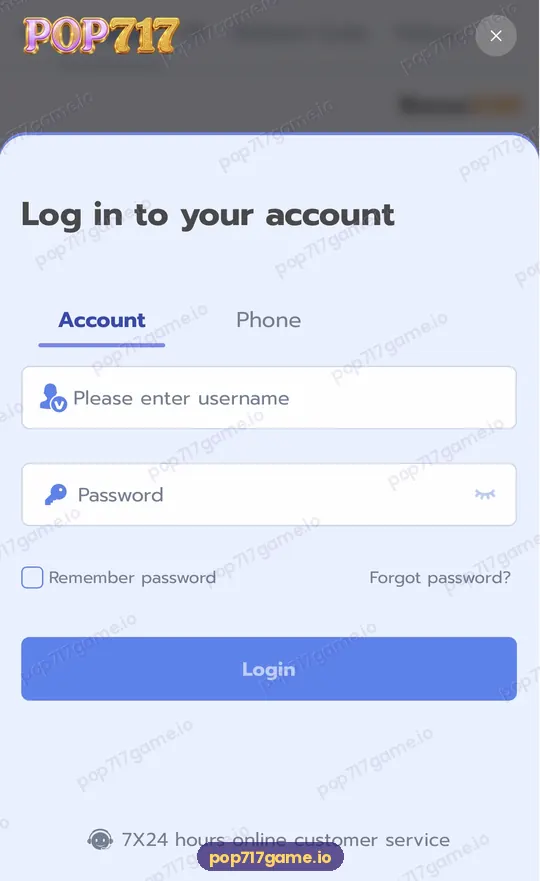
- Contact customer care in the app and request closure or a break.
- Save their confirmation and uninstall the app if you wish.
Delete vs pause
| Option | What happens | Good for |
|---|---|---|
| Closure | Account is closed on request | Leaving permanently |
| Self-exclusion break | Access paused for a period | Taking control of habits |
| Uninstall only | App removed, account remains | Short breaks |
What happens to my data after Pop717 delete account?
Ask customer care how your data is handled after closure. On this guide website, our own data practices are explained in our privacy policy. For general help, see the Pop717 game guide.
What if I just need a short break?
Many players do not need to close their account; they need distance for a while. Simple steps help: uninstall the app, remove the bookmark, log out on every device and ask a friend or family member to hold you to a break date. If that is not enough, ask customer care about a self-exclusion period, which blocks access for a set time even if you change your mind.
Before any closure, check that no withdrawals are pending and that your payout account details are still correct, because changes after closure can be difficult. Take screenshots of your final balance and of the support conversation where closure was confirmed. If you are closing your account because gaming has caused money or stress problems, our responsible gaming page lists habits and support options that can help.
Frequently asked questions about Pop717 delete account
Can I delete my Pop717 account in the app?
Contact the in-app customer service to request closure.
Will I lose my balance?
Withdraw it first. Ask support to confirm before closing.
Can I reopen a closed account?
It depends on the platform’s policy. Ask support before you close.
Is uninstalling the same as deleting?
No. Uninstalling removes the app but your account still exists.
How do I take a break instead?
Ask customer care about a self-exclusion period.
Guides related to Pop717 delete account
- Pop717 iOS: Pop717 iOS guide: open the site in Safari, add it to your Home Screen, sign in and keep it updated on iPhone or iPad.
- Change Password: Pop717 change password guide: update your login from the Mine section, build a strong password, sign out old devices and avoid common security mistakes.
- Pop717 for PC: Pop717 for PC guide: open the site in Chrome or Edge, install it as a desktop app, adjust the layout and keep your login safe on shared computers.
- Pop717 Login: Pop717 login guide: sign in with username or +91 phone number, use Remember password, reset a forgotten password and keep your account safe.
Key takeaways on Pop717 delete account
- Withdraw your balance before closing.
- Request closure or a break through in-app support.
- Keep written confirmation.
Last updated: November 19, 2026