
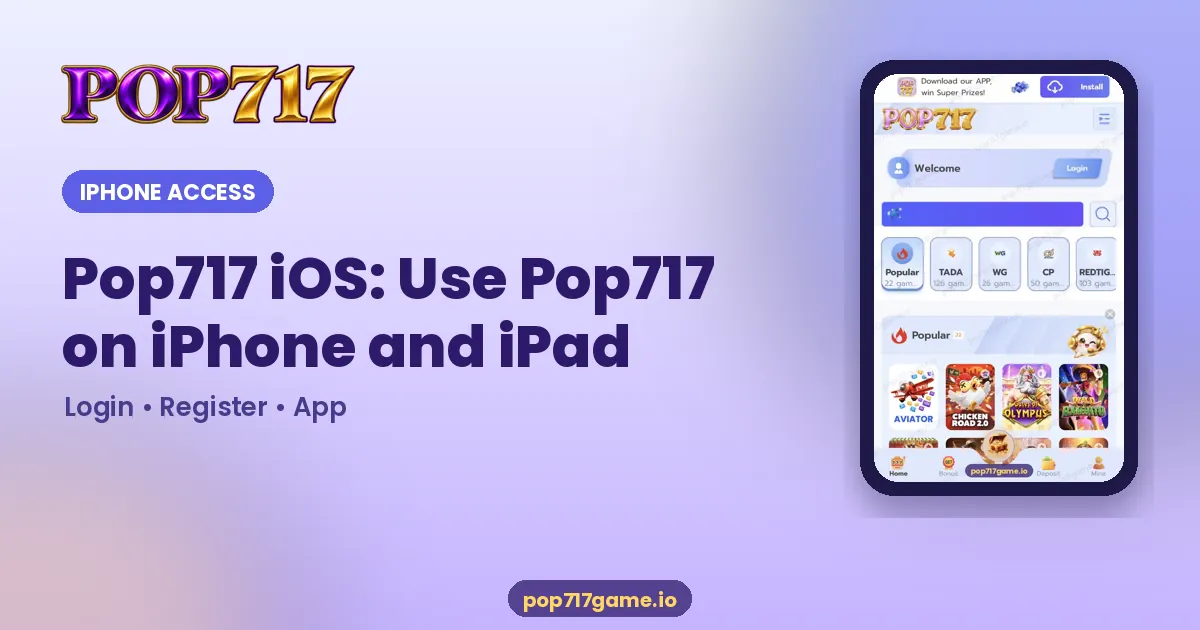
Quick answer: Pop717 iOS use works through Safari. Open the platform from the button on this page in Safari, tap the Share icon, choose Add to Home Screen, name it Pop717 and tap Add. The icon then opens the platform like an app on iPhone or iPad.
Is there a Pop717 iOS app?
Real-money gaming platforms are often not listed in the App Store in India. The simplest way to use Pop717 on iOS is a home-screen shortcut from Safari, which opens in a clean full-screen view with the same account and balance. Android users can read the APK download guide instead.
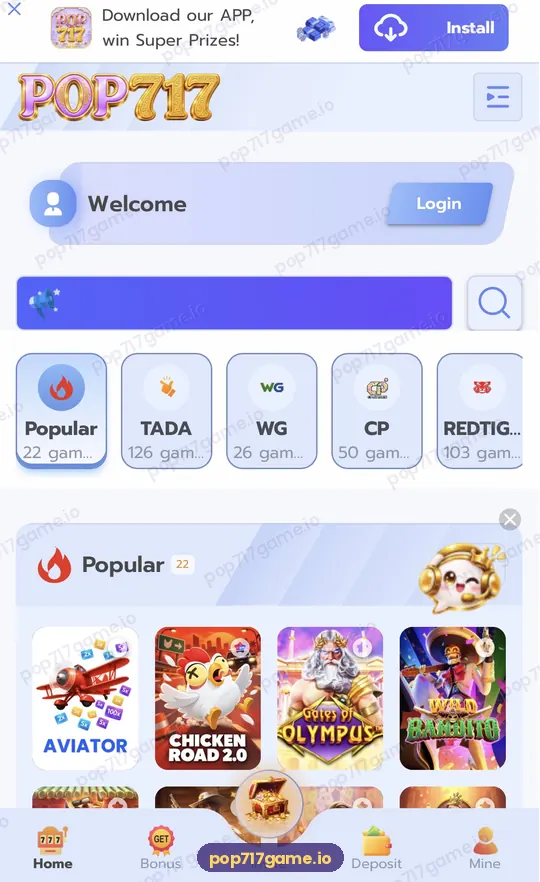
Four easy steps to add it to your iPhone
- Open Safari and tap the Login button on this page.
- Tap the Share icon at the bottom of the screen.
- Scroll and tap Add to Home Screen.
- Name it Pop717 and tap Add.
iPhone vs Android at a glance
| Feature | iPhone / iPad | Android |
|---|---|---|
| Install method | Add to Home Screen | Install prompt / APK |
| Storage used | Very little | About 8 MB (reported) |
| Updates | Automatic with site | New version prompt |
| Account | Same login | Same login |
Tips for smooth iOS play
- Keep iOS and Safari updated.
- Allow pop-ups only if a game needs a new window.
- Use Wi-Fi for live casino tables.
- Turn on Face ID or a passcode to protect your session.
For more, read the Pop717 app guide and the main Pop 717 guide.
Frequently asked questions about Pop717 iOS
Can I download Pop717 from the App Store?
Use the Safari home-screen shortcut, which works like an app.
Does Pop717 work on iPad?
Yes. The same Safari steps apply.
Can I use Chrome on iPhone?
Safari gives the most reliable Add to Home Screen option.
Will I need to update it?
The shortcut loads the latest version of the site automatically.
Why does a game not load on iPhone?
Check your connection, update iOS and clear Safari website data if needed.
Guides related to Pop717 iOS
- Pop717 for PC: Pop717 for PC guide: open the site in Chrome or Edge, install it as a desktop app, adjust the layout and keep your login safe on shared computers.
- Pop717 Delete Account: Pop717 delete account guide: withdraw your balance first, contact support, request closure or a break and keep records.
- Pop717 App Update: Pop717 app update guide: what the Discover a new version prompt means, how to update safely, keep your login and fix an app that will not open.
- Pop717 Login: Pop717 login guide: sign in with username or +91 phone number, use Remember password, reset a forgotten password and keep your account safe.
Key takeaways on Pop717 iOS
- Use Safari and Add to Home Screen.
- Same account and balance as Android and web.
- Keep iOS updated and your phone locked.
Last updated: November 19, 2026