
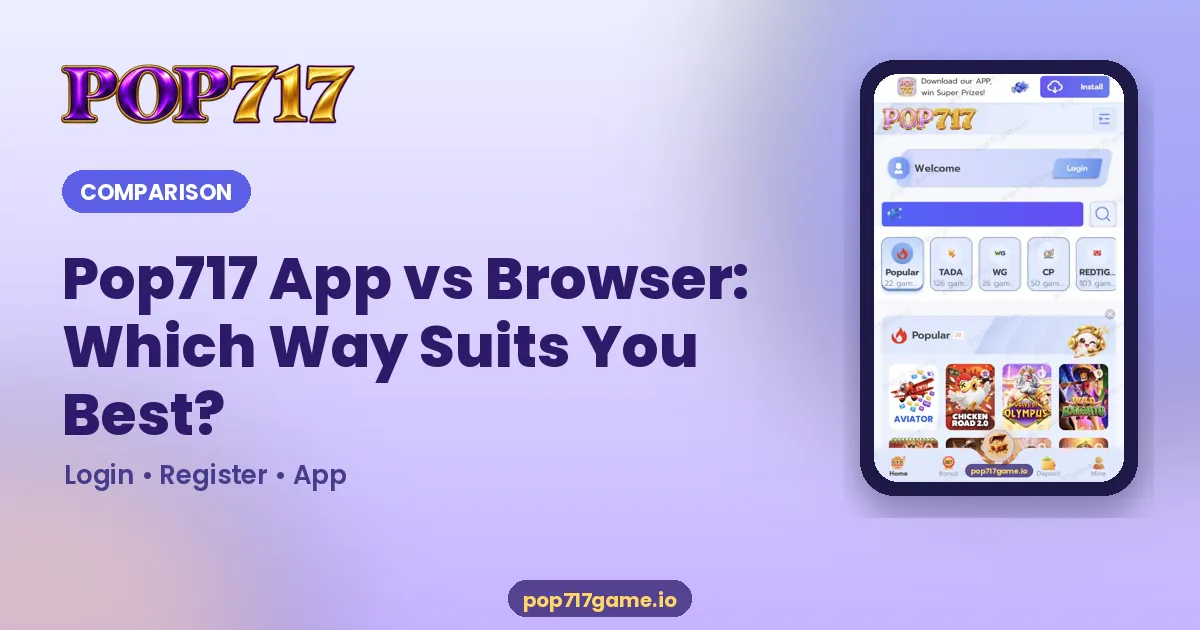
Quick answer: Pop717 app vs browser comes down to convenience. The app gives a home-screen icon and full-screen view, while the browser needs no install and works on any device. Both use the same account, balance and games, so you can switch at any time.
Six honest differences compared
| Point | App | Browser |
|---|---|---|
| Setup | Install prompt or home-screen shortcut | No install |
| Access speed | One tap | Type or bookmark |
| Screen | Full screen | Browser bars visible |
| Storage | About 8 MB on Android (reported) | Cache only |
| Updates | New version prompt | Always latest |
| Risk of fake links | Lower once installed | Higher if typing addresses |
When is the app better?
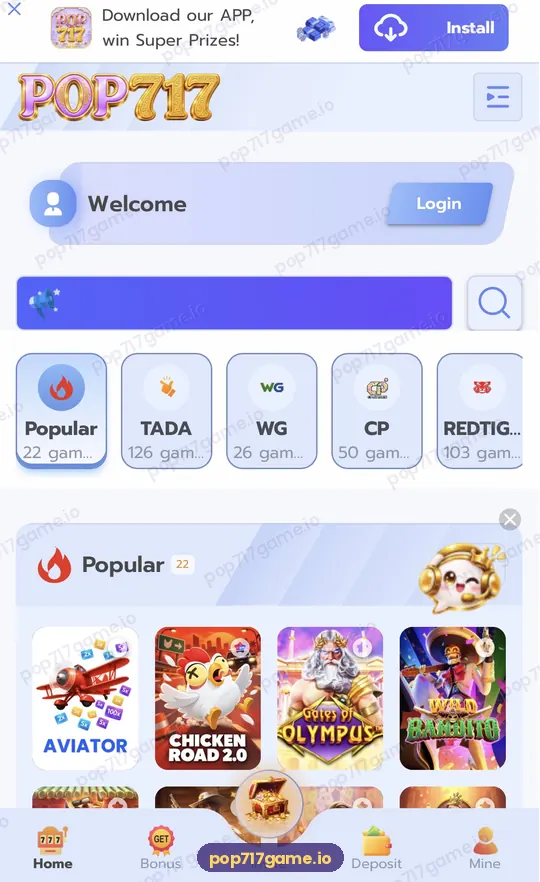
The app suits daily players who want fast access and fewer typing mistakes. Once it is installed from the platform’s prompt, you avoid lookalike addresses. See the Pop717 app guide.
When is the browser better?
The browser suits occasional players, shared devices and laptops. It needs no permissions and always loads the latest version. See Pop717 for PC for desktop tips.
How to choose in three steps
- If you play most days on one phone, install the app.
- If you use several devices, keep a bookmark in the browser.
- If the app has a problem, switch to the browser until it is fixed.
Frequently asked questions about Pop717 app vs browser
Is the app faster than the browser?
It opens faster because it skips typing and loading the address bar, but games load the same way.
Do I get different bonuses in the app?
Rewards are tied to your account. Check the Bonus tab in either version.
Can I use both?
Yes. One account works in both.
Which is safer?
An app installed from the official prompt avoids fake links. In the browser, always start from a trusted button.
Does the browser use mobile data?
Both use similar data for games. Live tables use the most.
Guides related to Pop717 app vs browser
- Pop717 Mine Section: Pop717 Mine section guide: profile, balance, deposit and withdrawal records, security settings, notifications and support entry points explained.
- Pop717 App Update: Pop717 app update guide: what the Discover a new version prompt means, how to update safely, keep your login and fix an app that will not open.
- Pop717 for PC: Pop717 for PC guide: open the site in Chrome or Edge, install it as a desktop app, adjust the layout and keep your login safe on shared computers.
- Pop717 Login: Pop717 login guide: sign in with username or +91 phone number, use Remember password, reset a forgotten password and keep your account safe.
Key takeaways on Pop717 app vs browser
- Same account in both.
- App for convenience, browser for flexibility.
- Learn more on our Pop717 app homepage guide.
Last updated: November 19, 2026