
Quick answer: A Pop717 USDT deposit sends Tether from your crypto wallet to the address shown in the cashier. Choose USDT, check which network is named (for example TRC20 or ERC20), copy the address exactly, send a test-sized amount first if you are new, and keep the transaction hash until the balance updates.
Why does the network matter for a Pop717 USDT deposit?
USDT exists on several blockchains. If you send it on a different network from the one shown, the coins may be lost and cannot easily be recovered. Always match the network name on the deposit screen. Compare all methods in the Pop717 deposit guide.
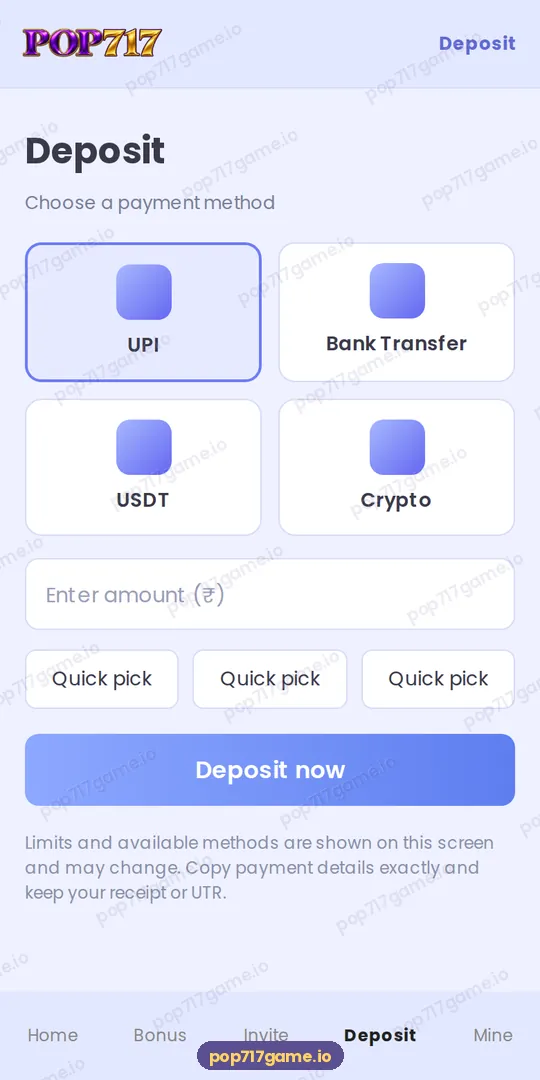
The image above is an illustration of the deposit methods screen, not a screenshot of the live cashier.
Six careful steps to avoid mistakes
- Log in and open Deposit, then choose USDT.
- Read the network shown and the minimum amount.
- Copy the deposit address with the copy button; do not type it.
- In your wallet, choose the same network and paste the address.
- Check the first and last characters match, then send.
- Keep the transaction hash and wait for network confirmations.
Common USDT networks
| Network | Address starts with | Typical fee level |
|---|---|---|
| TRC20 (Tron) | T | Low |
| ERC20 (Ethereum) | 0x | Higher |
| BEP20 (BNB Chain) | 0x | Low |
Use only the network the cashier names. If two networks start with the same characters, read the label carefully.
USDT safety tips
- Never send to an address shared in chat.
- Exchange withdrawal fees are separate from the platform.
- Values in rupees may change with the USDT rate.
- Read crypto deposit for other coins and deposit problem if funds are slow.
Frequently asked questions about Pop717 USDT deposit
Which network should I use for a Pop717 USDT deposit?
Use exactly the network shown on the deposit screen.
What is a transaction hash?
It is the blockchain reference for your transfer, shown in your wallet or exchange.
How long does a USDT deposit take?
It depends on network confirmations, usually minutes.
Can I send USDT from an exchange?
Yes, if the exchange supports the same network.
What if I used the wrong network?
Contact customer care with the hash immediately, but recovery is not guaranteed. Our Pop717 guide has more wallet help.
Guides related to Pop717 USDT deposit
- Pop717 Crypto Deposit: Pop717 crypto deposit guide: match the coin and network, copy addresses, watch fees and confirmations and keep proof of every transfer you send.
- Pop717 Bank Transfer Deposit: Pop717 bank transfer deposit guide: copy the account number and IFSC exactly, pay via IMPS or NEFT, keep the reference and confirm your balance.
- Minimum Deposit: Pop717 minimum deposit explained: where limits appear on the deposit screen, why they differ by method and how to set your own personal budget first.
- Pop717 Deposit: Pop717 deposit guide: use Bank Transfer, UPI, USDT or Crypto, copy payment details exactly, keep receipts and avoid duplicate payments.
Key takeaways on Pop717 USDT deposit
- Match the network exactly.
- Copy, never type, the address.
- Keep the transaction hash.
Last updated: November 19, 2026