
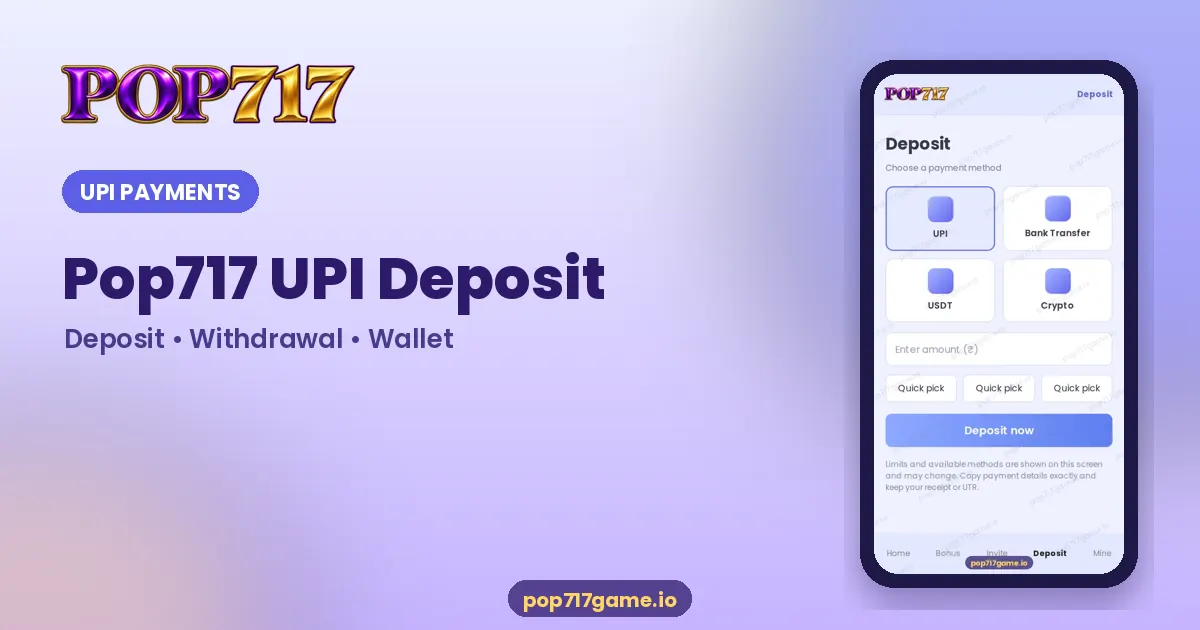
Quick answer: A Pop717 UPI deposit adds money using any UPI app such as PhonePe, Paytm or Google Pay. Open Deposit, choose UPI, enter an amount within the limits shown, pay to the QR code or UPI ID displayed in your own cashier, and keep the 12-digit UTR number until your balance updates.
Why use a Pop717 UPI deposit?
UPI is the most familiar payment method in India and usually the quickest for smaller amounts. You do not need to type bank account numbers, and your UPI app shows a clear receipt with a UTR reference. See the main Pop717 deposit guide to compare all four methods.
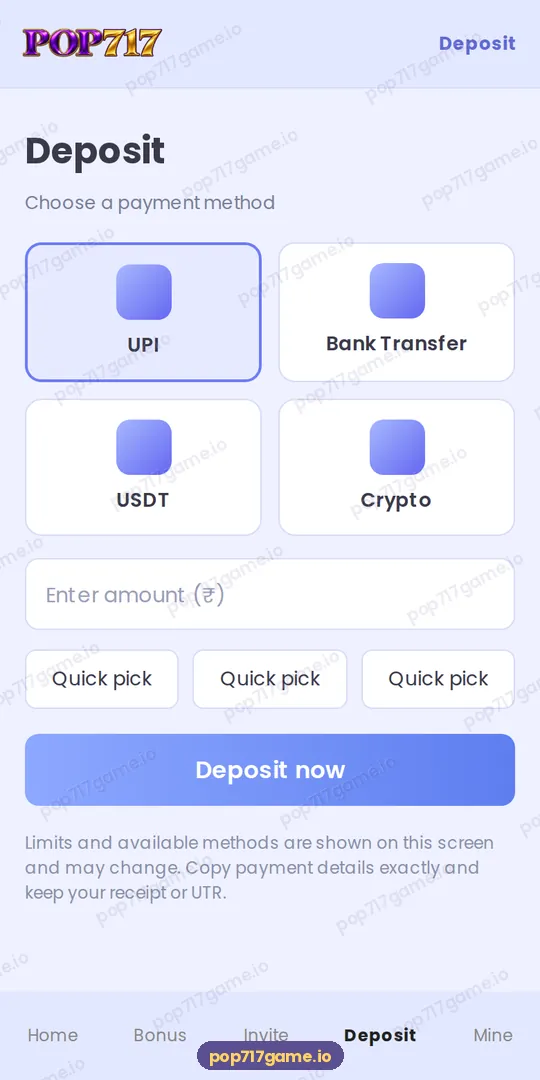
The image above is an illustration of the deposit methods screen, not a screenshot of the live cashier.
Five easy steps with your UPI app
- Log in and tap Deposit in the bottom bar.
- Select UPI and enter your amount.
- Scan the QR code or copy the UPI ID shown, exactly as displayed.
- Approve the payment with your UPI PIN in your own app.
- Return to Pop717, keep the UTR and wait for the balance to update.
UPI app comparison
| UPI app | How to pay | Where to find UTR |
|---|---|---|
| PhonePe | Scan QR or pay to UPI ID | Transaction details |
| Paytm | Scan and pay | Payment history |
| Google Pay | Scan or pay UPI ID | Transaction details |
| BHIM / bank apps | Pay to UPI ID | Statement or history |
UPI safety rules
- Enter your UPI PIN only to send money, never to “receive” money.
- Pay only to the QR or ID shown in your own logged-in cashier.
- Never pay a personal UPI ID sent in chat.
- If the amount does not show, do not pay again; read deposit problem.
Frequently asked questions about Pop717 UPI deposit
Which UPI apps work for a Pop717 UPI deposit?
Any UPI app, including PhonePe, Paytm, Google Pay and bank apps, can pay when UPI is offered.
How long does a UPI deposit take?
It is often quick, but bank delays can happen. Keep your UTR.
What is a UTR number?
It is the 12-digit reference for your UPI payment, shown in your app’s transaction details.
Can I reuse a QR code from an old deposit?
No. Use the details shown for each new deposit.
Is there a minimum UPI deposit?
Yes, the cashier shows the minimum for UPI. See minimum deposit and our Pop717 game guide.
Guides related to Pop717 UPI deposit
- Pop717 Bank Transfer Deposit: Pop717 bank transfer deposit guide: copy the account number and IFSC exactly, pay via IMPS or NEFT, keep the reference and confirm your balance.
- Pop717 Deposit: Pop717 deposit guide: use Bank Transfer, UPI, USDT or Crypto, copy payment details exactly, keep receipts and avoid duplicate payments.
- Pop717 USDT Deposit: Pop717 USDT deposit guide: pick the right network, copy the wallet address, send a test amount and save the transaction hash.
Key takeaways on Pop717 UPI deposit
- UPI works with PhonePe, Paytm, Google Pay and more.
- Pay only to details inside your own cashier.
- Keep the UTR until your balance updates.
Last updated: November 19, 2026