
Quick answer: The Pop717 Mine section is your profile area, the last tab in the bottom bar. It holds six useful tools: account details, wallet balance, transaction records, payout account settings, security settings and support access.
Six useful tools inside your profile
- Account details: Username and profile.
- Wallet balance: Current balance and shortcuts.
- Records: Deposits, withdrawals and bets.
- Payout accounts: Add or view bank or wallet details.
- Security: Password and settings.
- Support: Online customer service.
What to check in Mine each week
| Check | Why |
|---|---|
| Records | Spot anything unusual |
| Payout account | Make sure it is yours |
| Password | Change if needed |
| Balance vs budget | Stay within limits |
Related: wallet, add bank account, change password and our Pop717 India guide.
How does the Mine section help with control?
Mine is not just a settings page. It is the place where you can see the full story of your account: what you deposited, what you withdrew and how you played. Looking at these records once a week is one of the best ways to keep gaming within a healthy budget.
It is also your security centre. Check that your payout account is yours, update your password if needed and make sure no unknown activity appears in your records. If something looks wrong, contact customer care from inside the app straight away.
Frequently asked questions about Pop717 Mine section
Where is the Mine section?
The last icon in the bottom bar.
Can I see my bet history?
Yes, in records.
How do I add a bank account?
From Mine or the withdraw screen.
Can I change my password here?
Yes, in security settings.
Where is support?
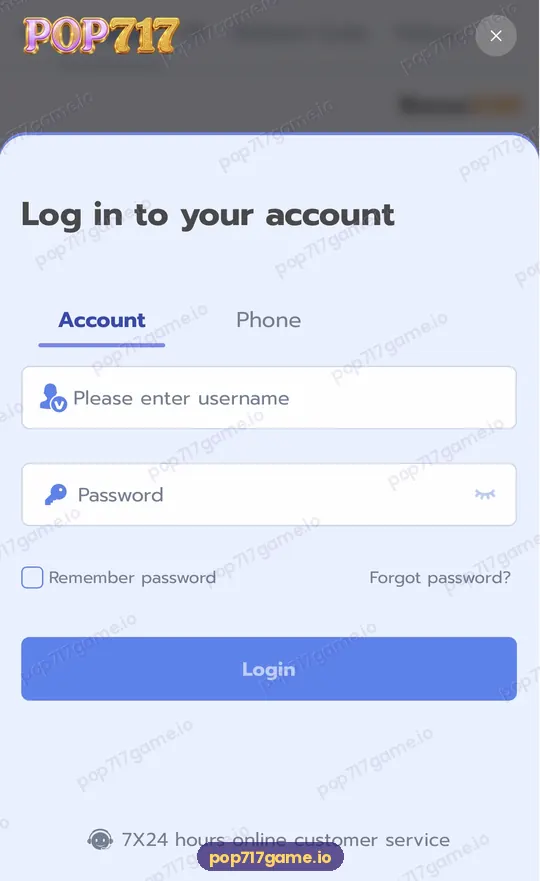
Customer service is reachable from Mine and the login screen.
Guides related to Pop717 Mine section
- Pop717 App vs Browser: Pop717 app vs browser compared: speed, storage, updates, notifications and safety so you can choose the access method that fits your phone best.
- Pop717 App Update: Pop717 app update guide: what the Discover a new version prompt means, how to update safely, keep your login and fix an app that will not open.
- Pop717 Login: Pop717 login guide: sign in with username or +91 phone number, use Remember password, reset a forgotten password and keep your account safe.
Key takeaways on Pop717 Mine section
- Mine is your control centre.
- Check records weekly.
- Keep payout details accurate.
Last updated: November 19, 2026